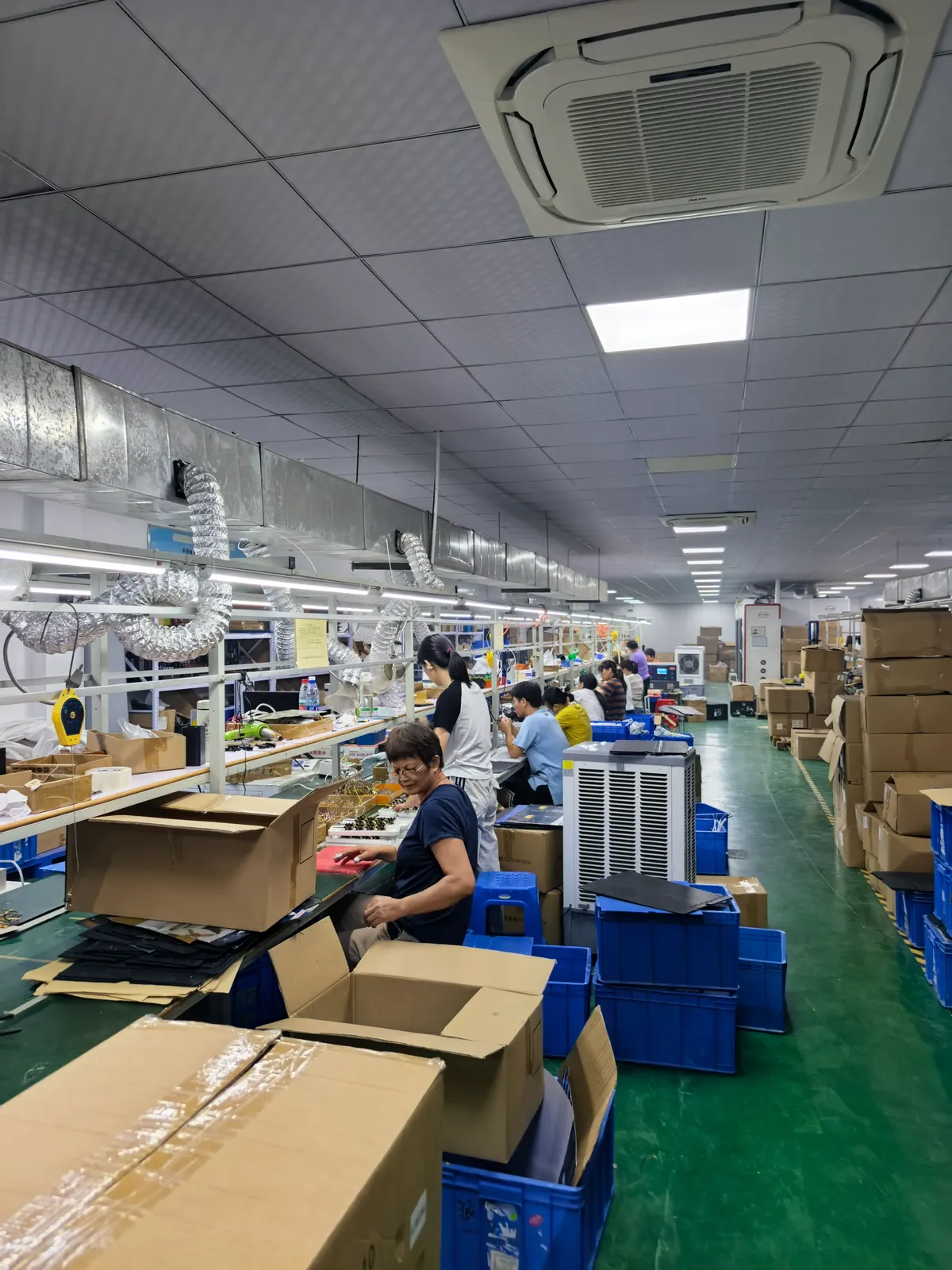
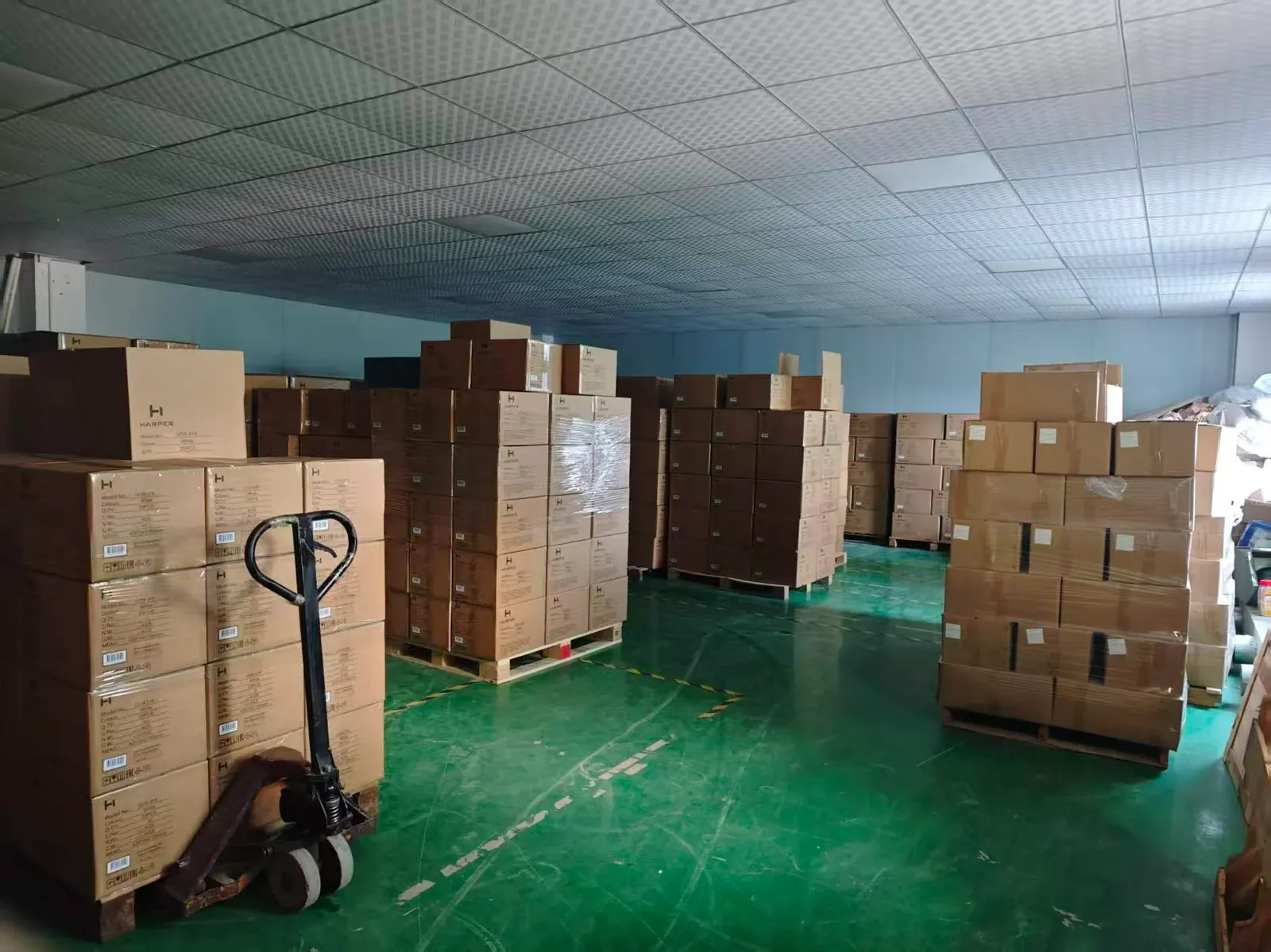
3D Printer Power Supply OEM: Sizing for Heated Beds, Transient Loads and the Maker Ecosystem
Published: September 2026
Reading time: 9 min
Audience: 3D printer and maker-equipment brands, open-source printer kit builders, OEM/ODM buyers and procurement teams sourcing internal and external supplies for printers and CNC hardware
By Han — Paiyi Power, an OEM/ODM power supply manufacturer and 3D printer power supply OEM partner building custom and modified-standard supplies from 5W to 240W, from 200 pcs per model.
Last updated: 15 September 2026.
Contents
Direct answer: what power supply does a 3D printer need?
A 3D printer needs a 24V DC supply (occasionally 12V on older designs) sized for the heated bed first: the bed is typically 60–80% of the total load, so a 220 mm-class printer usually lands around 300–400 W and a 300 mm-class printer around 400–600 W. Size for continuous bed heating plus a 25–30% margin, and pay attention to the ripple current the bed’s on/off cycling imposes on the supply’s output capacitors.
For any team choosing a 3D printer power supply OEM partner, the specifications that decide whether units survive their second year are ripple current capability, thermal derating inside the enclosure, and terminal quality — not the wattage on the label.
Printers are unusual because the supply sits inside a hot, dusty box and is cycled hard all day. At Paiyi Power we build these from 200 pcs per model, with samples in about a week and first production in 5–6 weeks after approval.
Why printer power is its own discipline
A printer supply is judged not by whether it starts, but by whether it still works after two years of heating cycles and filament dust. Four things make this category distinct:
- One load dominates. The heated bed is a large resistive load that switches on and off to hold temperature, so the supply sees repeated near-full-power bursts rather than a steady draw.
- The environment is hot and dirty. The supply usually lives under the bed or inside an enclosure that runs well above room temperature, and it pulls filament dust through its fan.
- Nobody is watching. A printer often runs unattended for hours, sometimes overnight, which raises the real cost of an under-specified connector or a marginal capacitor.
- The buyer is safety-aware and price-aware at once. Hobbyist and prosumer markets compare on price, then discover that an uncertified clone is the part that fails.
That combination is why this category has more field failures than the electrical numbers alone would predict.
The load profile: bed, hotend and motors
Knowing which load drives the design is the first step to a correct specification.
| Load | Typical draw | Behaviour |
|---|---|---|
| Heated bed | 150–400 W depending on size and voltage | Pure resistive, cycled on/off to hold temperature |
| Hotend | 30–60 W | Also cycled, and switched frequently during a print |
| Steppers, board, fans | 20–60 W | Roughly steady, with small peaks on acceleration |
The practical consequence: the bed and hotend together can hold the supply near its limit for minutes at a time, and then release it. That duty pattern, not the average power, is what the supply has to tolerate.
12V vs 24V
Older printers ran on 12V; almost everything modern runs on 24V, and the reason is current rather than preference.
- Current doubles at 12V. A 300 W bed draws 25 A at 12V but only 12.5 A at 24V. Higher current means thicker wiring, more voltage drop and more heat in every terminal and connector along the way.
- Terminals become the weak point. At 25 A, a marginal screw terminal or a tinned wire end heats up; at 12.5 A the same joint runs cool. Most “burnt connector” reports on 12V machines disappear at 24V.
- Motors and hotends benefit too. Higher voltage gives stepper drivers more headroom and lets hotends reach temperature faster with the same heater.
The exception is legacy and low-cost machines, where 12V remains common. If you build both, treat them as two different electrical systems rather than one supply with a different label.
Sizing: the heated bed dominates
The sizing calculation is simpler than in most categories, because one number does most of the work.
- Start with the bed. Its power is set by area and target temperature; a large bed at high temperature can exceed everything else combined.
- Add the hotend and electronics. Hotend, board, steppers and fans typically add 50–120 W total.
- Add 25–30% margin. Margin covers the simultaneous heating phase at start-up, where bed and hotend both run at full power, plus component tolerance and ageing.
- Check the connector rating. A supply rated at 400 W still needs output terminals and wiring rated for the resulting current, with a comfortable margin.
A common mistake is sizing on the average print power, which is much lower than the peak. The supply must survive the peak, every print, for years.
The pulsed load nobody specifies for
This is the technical heart of printer supply reliability, and it is almost never in the specification.
The bed controller switches the bed on and off to hold temperature. Each switching cycle makes the supply deliver a surge and then relax, many times a minute. That repeated load-unload cycle drives ripple current through the output capacitors, heating them from the inside.
- Why it matters. Electrolytic capacitors have a ripple current rating; exceed it continuously and they dry out and fail long before their headline life. This is the mechanism behind “the power supply died after about 18 months” on printers that otherwise seemed fine.
- How to specify it. Ask for the output capacitor ripple current rating and the capacitor temperature rating, and state that the load is pulsed. A supplier who understands this will specify differently.
- The cheap fix on the design side. Higher-quality low-ESR capacitors rated for 105 °C, and sometimes a larger capacitance, cost a little per unit and remove the most common early failure in this category.
It is also why two supplies with identical wattage ratings can have very different service lives in the same printer.
Thermal: the supply lives in a hot box
This is the second reason printer supplies die young, and it compounds the first.
- Ambient is not ambient. Although the printed chamber may be 40–60 °C, the space under the bed where supplies usually sit is warmer than the room, and an enclosed printer for ABS or ASA is hotter still.
- Dust insulates. Fan-cooled supplies inside a printer pull in filament dust and airborne debris; over months the heatsink and fan blades clog, and the unit runs hotter with each print.
- Rating at temperature, not on a bench. Ask for a continuous rating at a stated ambient with a derating curve — the same discipline that governs capacitor life in any power supply.
The honest consequence: a supply that is “fine” at 25 °C in a datasheet may be running at 80% of its rated capacity in real use. Derating is the specification.
Noise, and where the supply sits
Because these machines live in homes, offices and classrooms, noise is a specification rather than a nicety.
- Fan noise is the loudest part of many printers. A supply fan running continuously is often the dominant sound in an otherwise quiet machine, which is why fanless designs are prized.
- Fanless has a thermal ceiling. Convection cooling limits how much power you can dissipate in a given enclosure, so high-power printers usually need a fan — and then the fan placement and filter matter.
- Transformer and switching noise. Audible buzz or a high-pitched whine at idle is a support complaint, and it is often a mechanical or layout issue rather than an electrical one.
Choosing between fanless and fan-cooled is really a choice about which specification you are willing to trade — power, silence or derating.
Open-frame or enclosed
Both formats appear in printers, and the choice has safety as well as cost implications.
| Format | Where it fits | What to watch |
|---|---|---|
| Open-frame | Higher power, kit and industrial printers; easier to cool | Exposed mains terminals — must be enclosed in the product |
| Enclosed brick | Consumer and prosumer machines; external bricks | Cooling is harder; check the derating curve |
The safety point is decisive: an open-frame supply has live terminals that a user could reach, so in a consumer product it must sit behind a mechanical barrier. Specifying an open-frame unit without that plan is a compliance problem, not a cost saving.
Terminals, wiring and the real fire risk
The most common serious incident in this category is not a failed component — it is heat at a connection.
- Terminal torque and ferrules. Stranded wire under a screw terminal deforms and loosens over thermal cycles. Ferrules and correct torque turn a marginal joint into a reliable one.
- Tinned ends. Tinning a stranded wire before clamping it can cold-flow under pressure and loosen, which is why many standards discourage it for screw terminals.
- Current margin at the connector. A connector rated just above the running current has no margin for transients; specify connectors and terminals with a comfortable margin over the peak.
- Mains-side discipline. Mains terminals, creepage and strain relief are where certification and safety actually live; they are also where low-cost units cut corners.
Undersized terminations and under-torqued screws are how a printer supply becomes a fire story rather than a warranty return.
The maker ecosystem and clone market
3D printing has an open-source culture that shapes how supplies are bought, and it cuts both ways.
- Open specifications help. Because community designs publish their electrical requirements, a supplier can be handed an exact specification instead of a vague request — a real advantage for anyone building kits.
- Clone pressure is intense. The market buys on price, and uncertified supplies circulate widely. This is where a documented, listed unit differentiates: the OEM, ODM and private label models explain how a brand can put its own name on a properly certified platform.
- Small batches are normal. Kit builders and small brands order in the hundreds, not the tens of thousands, which makes low-MOQ sourcing and transparent cost at small volumes part of the purchasing decision.
- Auxiliary rails are common. Many printers run a companion single-board computer, so a supply offering 24V plus a small 5V auxiliary rail removes a second wall adapter.
The opportunity for an OEM is straightforward: take the community’s electrical requirements seriously and add the certification and documentation the clone market skips.
Certifications: what actually applies
Printer supplies are consumer-accessible mains products, so the safety file matters more here than in an industrial enclosure.
- Safety: IEC/EN 62368-1 is the current hazard-based standard for IT and audio/video equipment and has replaced the older IEC 60950-1 for this kind of supply. An open-frame unit still needs the same safety basis, not a lower one.
- Listing: for consumer products, a recognised listing such as UL or ETL matters — both because retailers ask for it and because it is the evidence that the construction, creepage and thermal design were reviewed by a third party.
- EMC: FCC Part 15 in the US, with Class B for residential use, which is the applicable class for a printer in a home or school.
- Efficiency and standby: printers idle for long periods; no-load consumption is a genuine operating cost and increasingly a market expectation.
- Regional marks: CE and CB for Europe, plus country schemes for other markets.
We certify per model and per market rather than claiming one certificate covers everything; certification by country explains which schemes transfer and which need local registration.
3D printer power specification table
| Parameter | Typical for 3D printers | Note |
|---|---|---|
| Output | 24V DC (12V on legacy machines); 24V plus 5V auxiliary on some designs | 24V halves the current for the same bed power |
| Sizing | Bed plus hotend plus electronics, with 25–30% margin | Size on peak, not on average print power |
| Load pattern | Pulsed — bed cycling at full power many times a minute | Drives output capacitor ripple current |
| Capacitors | Low-ESR, 105 °C rated, with ripple current stated | The usual cause of 18-month failures |
| Thermal | Rating at enclosure temperature with derating curve | Under-bed spaces and enclosures run hot and dusty |
| Cooling | Fanless where power allows; filtered fan otherwise | Fan noise is often the loudest part of the machine |
| Terminations | Ferruled stranded wire, rated well above peak current | Connection heating is the real fire risk |
| Standards | IEC/EN 62368-1, recognised listing, FCC Part 15 Class B | Consumer-accessible mains product |
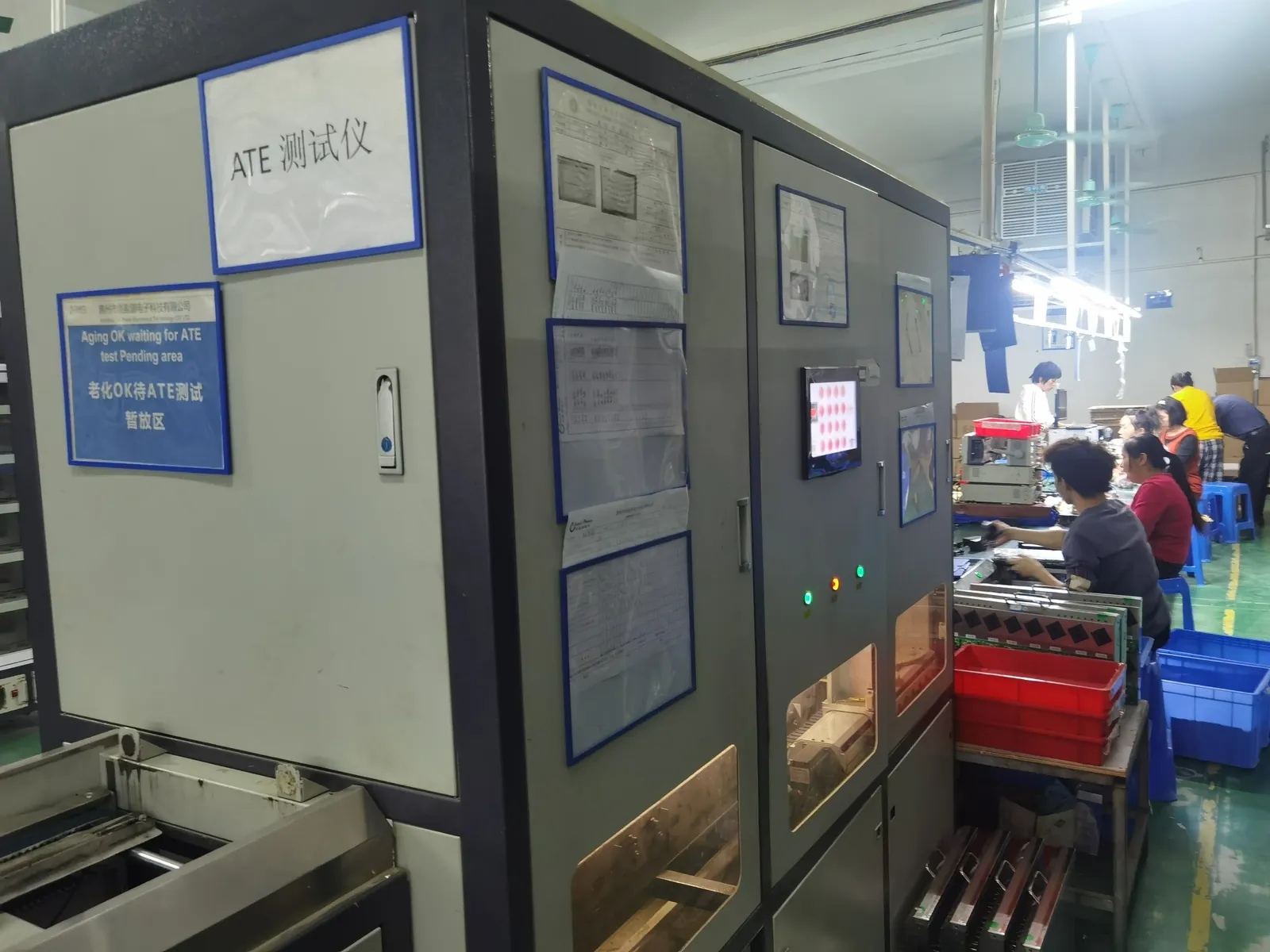
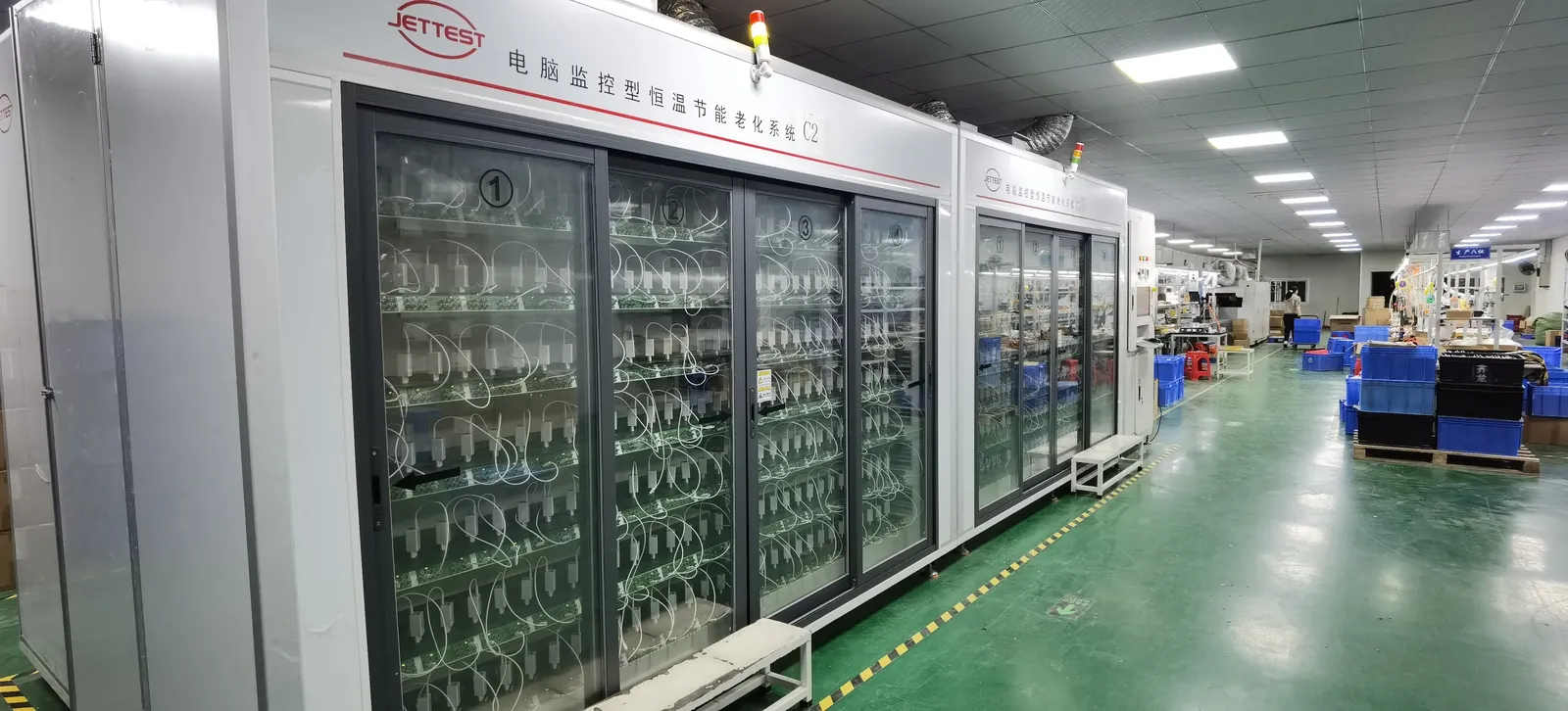
| Reliability | 100% ATE + burn-in; written change control | A silent capacitor swap changes the service life |
Frequently asked questions
What power supply does a 3D printer need?
Usually a 24V DC supply sized around the heated bed — roughly 300–400 W for a 220 mm-class printer and 400–600 W for a 300 mm-class machine, plus a 25–30% margin. Older and low-cost designs use 12V, which doubles the current for the same bed power.
Why is 24V better than 12V for 3D printers?
Because it halves the current for the same power. A 300 W bed draws 25 A at 12V but only 12.5 A at 24V, which means thinner wiring, less voltage drop and far less heat at terminals and connectors — the usual failure point on 12V machines.
How do I size the supply for a heated bed?
Start with the bed, add the hotend and electronics, then add 25–30% margin. The margin covers the start-up phase where bed and hotend both run at full power, plus tolerance and ageing. Sizing on average print power is the classic mistake.
Why do printer power supplies fail after a year or two?
Almost always heat plus ripple current, not a random component failure. The bed’s on/off cycling drives ripple current through the output capacitors and heats them from inside, while the enclosure keeps the whole unit warm and dust clogs its fan. Low-ESR 105 °C capacitors rated for the ripple current are the fix.
Open-frame or enclosed supply?
Open-frame for higher power and kit or industrial printers, enclosed for consumer machines — but an open-frame supply must be enclosed inside the product, because its mains terminals are live and reachable. That is a compliance requirement, not a preference.
What about thermal runaway and fire safety?
Thermal runaway protection is a firmware and thermistor feature, but the supply-side fire risk is real: undersized or under-torqued terminations heat up over thermal cycles. Ferrules, correct torque and connectors rated well above peak current are the practical controls.
Can one supply run the printer and a Raspberry Pi?
Yes, if the specification includes an auxiliary 5V rail or enough spare 24V capacity with a properly rated converter. Adding an auxiliary rail inside the supply removes a second wall adapter and is a genuine product advantage in this market.
Which certifications should a printer power supply have?
IEC/EN 62368-1 for safety, a recognised listing such as UL or ETL for consumer products, and FCC Part 15 Class B for residential EMC, plus regional marks by market. A 3D printer power supply OEM should certify per model and market rather than claim one universal certificate.
What MOQ and lead time apply for custom printer power supplies?
From 200 pcs per model at Paiyi Power, with samples in about a week and first production 5–6 weeks after sample approval. Fix the ripple current, thermal and termination requirements before tooling; use our sample evaluation checklist and the OEM agreement guide for change control.
Sources
- IEC — 62368-1 safety for IT and audio/video equipment
- UL — safety certification and listing for consumer power products
- FCC — Part 15 rules (Class A / Class B digital devices)
- ISO — additive manufacturing standards (ISO/TC 261)
- Klipper — open-source 3D printer firmware documentation
Related on this blog: low MOQ power adapter OEM/ODM, power adapter cost transparency, OEM vs ODM vs private label, why power adapters fail.